Smart-home planning
Turning the things you want your home to do into a practical plan, with honest tradeoffs and room to grow.
- Needs discovery
- Platform guidance
- Device compatibility
I help homeowners explore thoughtful smart-home technology—designing practical automations that are private, dependable, and easy for everyone in the home to use.
Smart-home technology should not create another hobby you have to maintain. My focus is on understandable systems, useful routines, and controls that work for the whole household—not just the person who configured them.
Focused smart-home guidance and implementation for homeowners who want more capability without unnecessary complexity.
Turning the things you want your home to do into a practical plan, with honest tradeoffs and room to grow.
Bringing compatible lights, sensors, climate, energy, and security signals into one understandable control layer.
Creating routines around how your household actually lives, then tuning them so they stay helpful and predictable.
Examples of the smart-home patterns I enjoy exploring. Specific project details and verified outcomes will be added over time.
A privacy-conscious model that keeps core routines available locally, limits avoidable cloud dependencies, and preserves familiar manual controls.
Illustrative project pattern
A dashboard concept for making consumption patterns visible without turning daily life into a spreadsheet.
Concept case study
An automation approach organized around moments such as arriving, winding down, and leaving safely.
Concept case study
Representative interfaces inspired by real Home Assistant work. Names, readings, rooms, and activity are synthetic; no live household data or camera imagery is shown.
The important state of the home at a glance, with details available only when needed.
Current comfort, operating mode, and recent trends without overwhelming the homeowner.
Room-based actions make a capable device understandable to everyone in the home.
A smart-home interface can live on an affordable wall panel or travel with you from room to room. The right device depends on how the household wants to interact with the home.
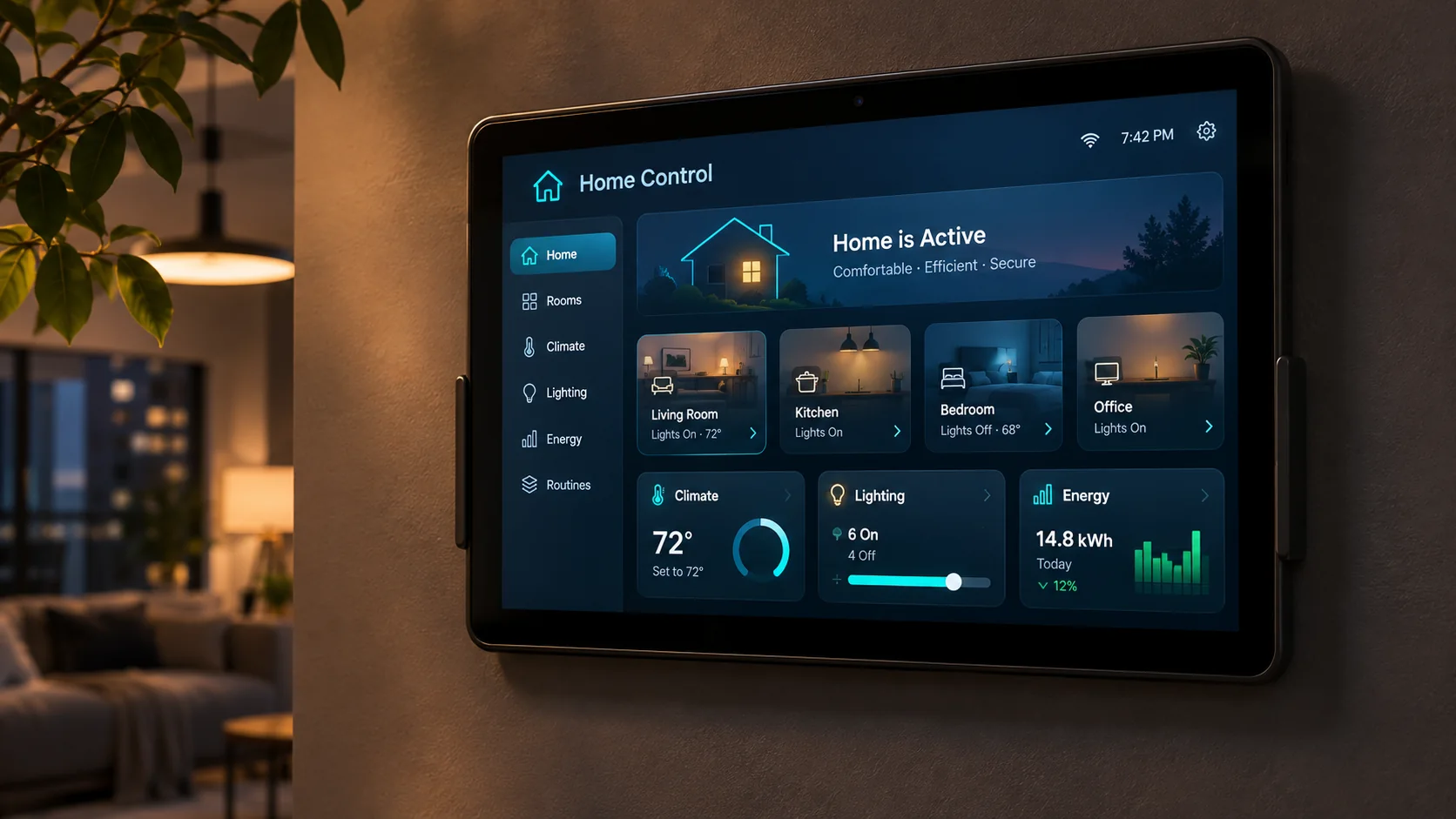
A practical choice for a dedicated wall-mounted dashboard—ideal for quick lighting, climate, scene, and home-status controls in a shared location.
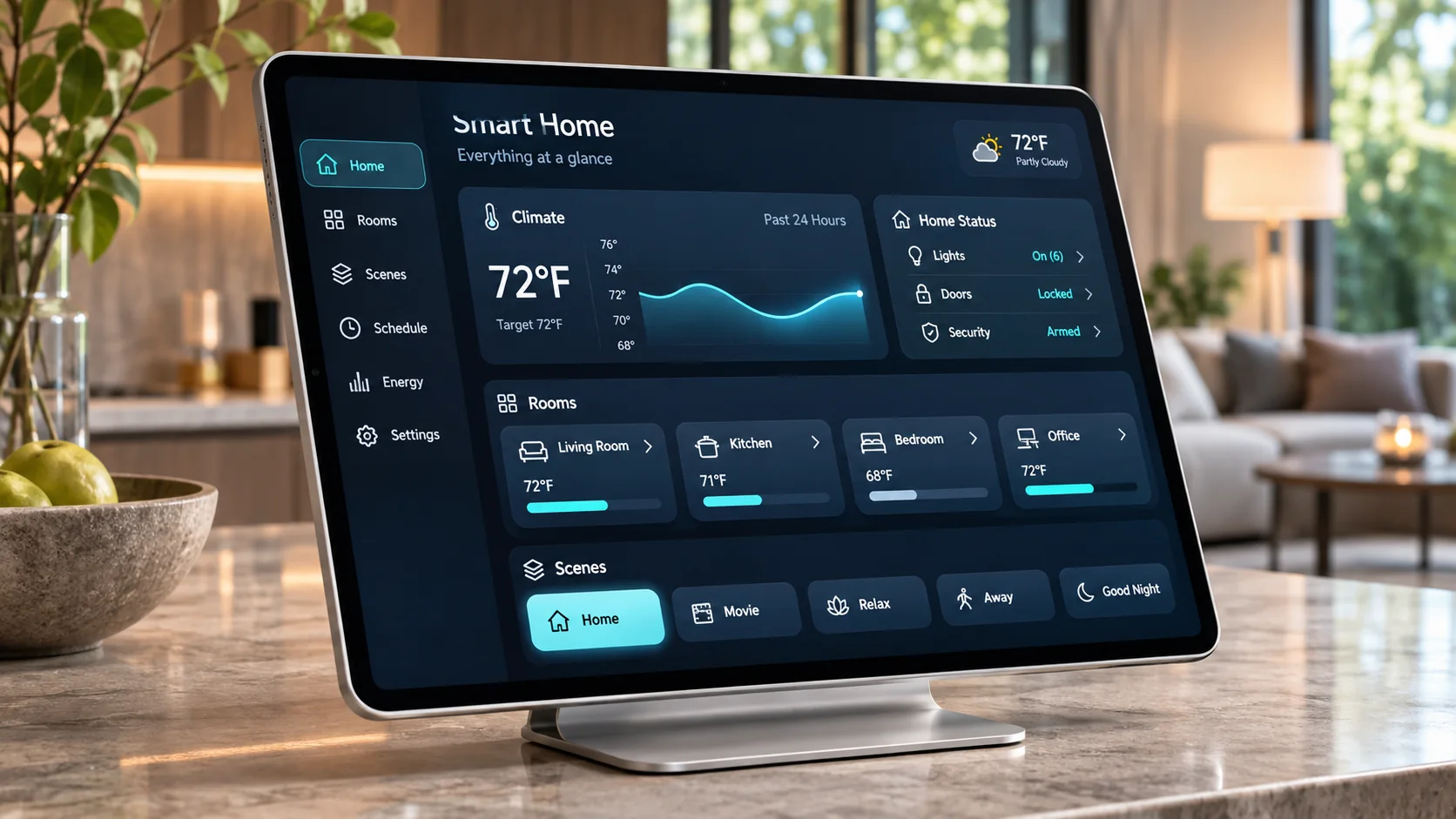
A polished option for a countertop stand, charging dock, or portable control point with a bright display and a premium everyday experience.
Illustrative product mockups with synthetic dashboard data. Amazon Fire and iPad are examples only; this site is not affiliated with or endorsed by Amazon or Apple.
Each automation starts with a human goal and keeps manual control intact.
When the home enters evening mode
Check someone is home and daylight is low
Then set a warm lighting scene and a comfortable climate target
When indoor humidity remains elevated
Check outdoor conditions are suitable
Then send a quiet suggestion instead of taking control
When a selected room needs attention
Check the device is charged and available
Then clean only that zone and return to dock
A good smart home should be understandable, recoverable, and proportionate. That means minimizing unnecessary data exposure, avoiding fragile dependencies for essential functions, and making sure the home still works for the people who live in it.
Keep essential control close to home when the technology allows it.
Design for the internet being down, a service changing, or a device needing replacement.
Make the obvious action obvious. Automation should never trap the user.
Tell me what you want your home to do, what is not working today, or where you would like a second opinion. I’m happy to start with a straightforward conversation.
Independent personal smart-home work.